


Download Google Earth – Interactive Geographic Tool, 3D World Explorer, Satellite Images, Virtual Tours
Overview
Google Earth is a free interactive geographic tool designed to enable users to explore and navigate the entire planet through a dynamic 3D representation of Earth. Developed by Google, the software integrates satellite imagery, aerial photography, and geospatial data to deliver a rich, immersive experience that allows users to virtually travel to any location on Earth without leaving their home. The application is accessible on both desktop and mobile platforms, with an enhanced version available for PCs. Its primary purpose is to serve as a visual and educational platform for discovering geographical features, historical changes, and cultural landmarks across the globe.
Target users include general consumers interested in exploration and education, students studying geography, travelers planning trips, and professionals in urban planning, environmental science, and real estate. The software supports a wide range of real-world applications, from academic research and environmental monitoring to project site visualization and generative design. The integration of tools like Delve enables real estate and sustainability experts to conduct yield optimization, best-use analysis, and solar feasibility studies directly within the platform.
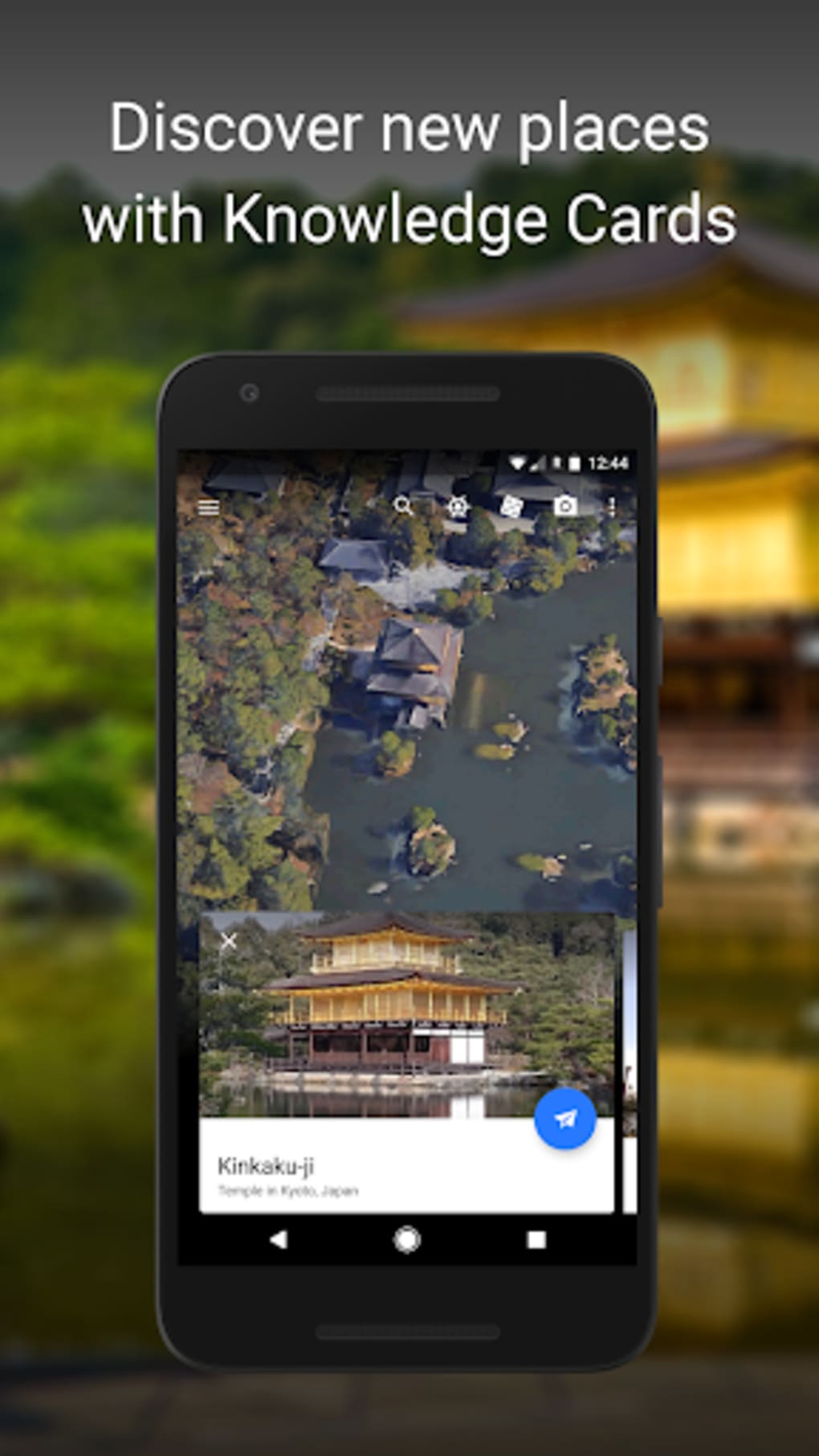
The developer did not provide additional system requirements or performance benchmarks. However, the software’s availability on multiple platforms suggests a broad accessibility strategy. Users can explore famous landmarks such as the Eiffel Tower and the Taj Mahal, view historical imagery, and take virtual tours of the International Space Station. The application also supports underwater exploration and time-lapse visualization of environmental changes.
Key Features & Capabilities
- 3D World Navigation: Users can fly, rotate, and tilt the globe to explore terrain, cities, and natural features in three dimensions, offering a realistic sense of spatial depth and scale.
- Search and Location Tracking: The search function allows direct access to specific locations, while the “My Location” feature enables instant navigation to the user’s current position.
- Look Around Feature: This functionality provides 360-degree real-world imagery, allowing users to explore streets and landmarks as if walking through them.
- Layers and Information Overlay: Users can toggle on and off supplementary data layers such as Wikipedia entries, historical photos, and environmental data to enrich their exploration.
- Historical Imagery and Time-Lapse: The software enables visualization of changes over time, including urban development, deforestation, and glacial retreat, supporting environmental and geographical analysis.
- Support for KML/KMZ Files: Users can import and view custom geographic data files stored in Google Drive, facilitating data sharing and project collaboration.
- Virtual Tours: Pre-built tours include the International Space Station and major global landmarks, offering guided experiences for educational and recreational use.
User Interface, Workflow & Performance
The user interface of Google Earth is designed for intuitive touchscreen interaction, particularly on mobile devices. Core actions such as zooming, rotating, and tilting are executed through familiar gestures—tap to zoom in, pinch to zoom out, and use two fingers to manipulate the view. The interface has been simplified in recent updates, with clearer maps and smoother transitions between layers, improving overall usability.
Navigation workflows are generally straightforward, though some users may encounter responsiveness issues, particularly when the Look Around feature is active or when viewing high-resolution 3D models of landmarks. The software’s performance may vary depending on device capabilities and network conditions, especially when streaming high-detail imagery. The developer did not specify resource usage details, so CPU and RAM behavior remain unverified.
Stability appears consistent across general use cases, but reports indicate occasional graphics glitches when zooming in on 3D features. Users are advised to manage cache settings to prevent excessive storage consumption. Performance observations are based on general software behavior patterns and user feedback, as exact performance metrics were not provided.
Compatibility & System Requirements
Google Earth is available for both Windows and macOS, with a dedicated version for PCs offering enhanced functionality. Mobile versions are accessible on Android and iOS devices. The software is distributed as a free application through the Google Play Store and Apple App Store.
The installation size and specific hardware requirements were not listed. The developer did not provide detailed system specifications, including minimum processor speed, RAM, or graphics card requirements. Compatibility information is limited to platform availability, with no confirmation of support for older operating system versions.
Exact system requirements were not listed. Users are encouraged to ensure their device meets standard modern computing requirements for web-based applications with high graphical demands.
Pros and Cons
Pros
- Free to download and use on multiple platforms
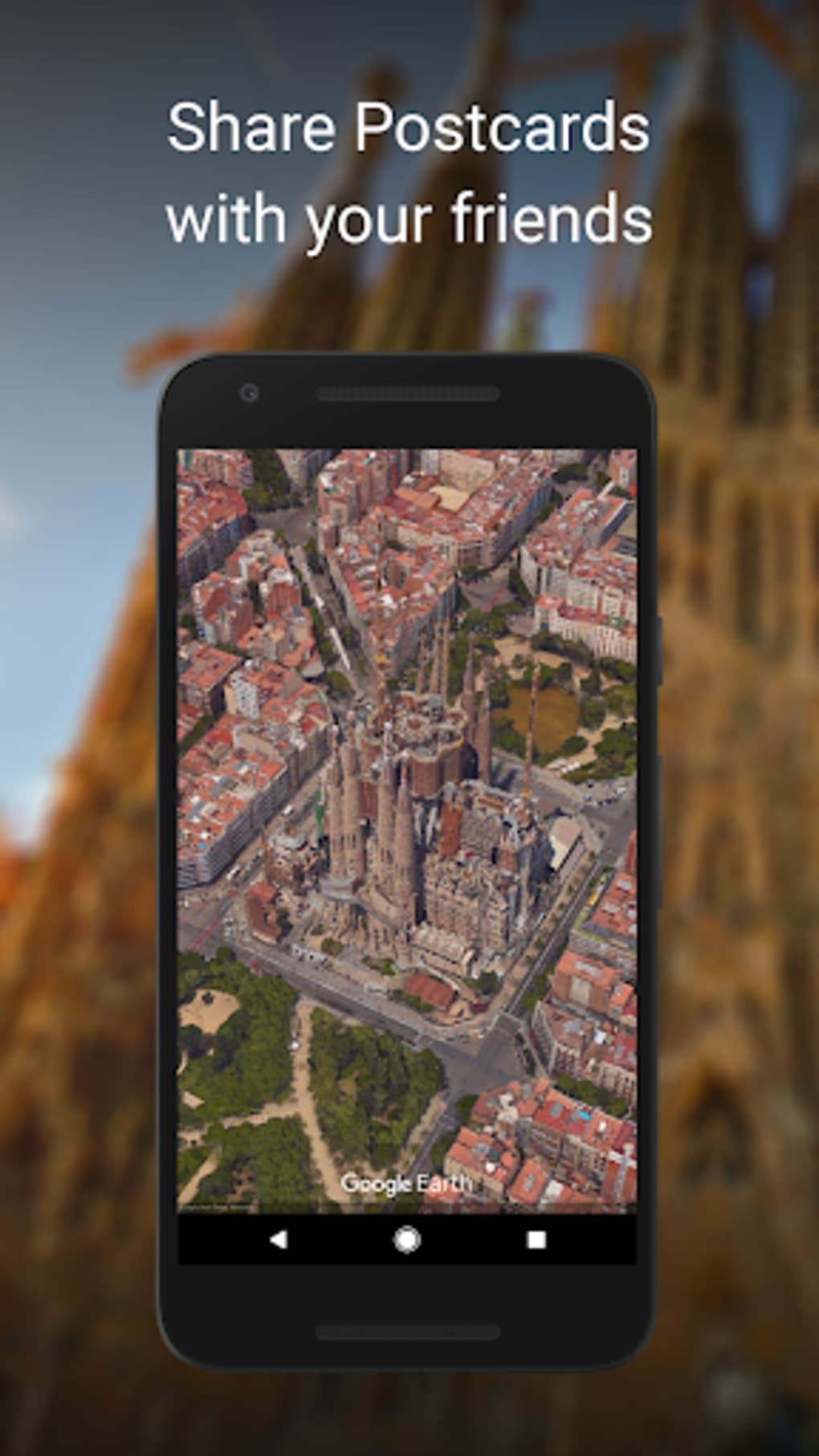
- Comprehensive 3D visualization of Earth and global landmarks
- Support for historical imagery and time-lapse analysis
- Integration with Google Drive for KML/KMZ file access
- Interactive features like Look Around and virtual tours
- Valuable tool for education, travel planning, and professional use
Cons
- Navigation can feel unresponsive on mobile devices
- 3D rendering of landmarks is inconsistent and prone to graphical issues
- Layer interface appears cluttered and difficult to manage
- Performance varies significantly across devices
- Limited technical documentation on system requirements
- Some features require stable internet connectivity
FAQ Section
Is Google Earth available for free?
Yes, Google Earth is available at no cost on both the Google Play Store and Apple App Store. The desktop version is also free to download and use.
Can I use Google Earth offline?
While some cached data may be accessible without internet, full functionality—especially for 3D views, Look Around, and real-time updates—requires an active internet connection.
What operating systems does Google Earth support?
Google Earth is available for Windows, macOS, Android, and iOS. Specific version compatibility details were not provided.
Does Google Earth support KML and KMZ files?
Yes, the application supports viewing KML and KMZ files, especially when accessed through Google Drive integration.
How often is Google Earth updated?
Updates are released periodically to improve performance, add features, and fix bugs. The latest version is available through official app stores.
Final Thoughts + CTA
Google Earth remains a groundbreaking tool for visualizing the planet in 3D, offering unparalleled access to global geography, historical changes, and immersive virtual tours. While its core concept is powerful and its educational and professional applications are significant, usability challenges on mobile platforms—particularly in navigation and 3D rendering—limit the overall experience. The interface improvements in recent versions are promising, but inconsistencies in performance and layout remain notable.
For students, educators, travelers, and professionals in urban planning and environmental science, Google Earth delivers substantial value. However, users seeking a seamless, high-performance mobile experience may encounter frustration. The software’s strengths in data integration and visualization far outweigh its limitations, making it a must-have for anyone passionate about geography and exploration.
Download Google Earth now





.png)

